boxlore combines meaning-based search, personal recommendations, and a player built for everyday listening. Find something new, then stream it or take it offline.
Your listening helps shape what comes next. The features that make discovery useful are free.
Free accessNo app adsAndroid 12+
The full experience
More than a play button.
Built for Android with Material 3. Explore what boxlore can do, from your first search to the next episode.
Semantic search
An idea is enough.
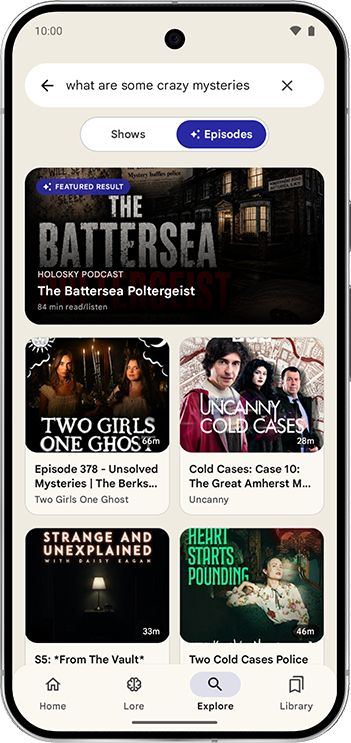
Describe what you want to hear in your own words. Find episodes by meaning, beyond a show’s name or the exact words in its title.
Try “stories about startup failure” or “why do we dream?”
Your phone learns from plays, likes, queues, and early skips. Familiar voices stay close. New ones get a chance.
01 / Find by meaning
Ideas have neighbors.
Choose a question to see related topics, then select an example to see why it belongs.
When the first idea fails
A story about a company changing direction can match “startup failure” without using those exact words.
Illustrative examples of meaning-based search.
02 / Learn from listening
Taste, kept on your phone.
The shows you finish, episodes you like, and picks you skip help adjust your recommendations.
Example listening profile
True crime Strong interest
History Growing interest
Tech explainers Steady interest
Long episodes Often finished
Sports talk Less interest
With little listening history, charts and curated themes help you begin. Personal ranking grows as the app has more to learn from.
Home discovery
Themed rows for different parts of the day, ranked around your interests.
For You & Because You Like
Broader discovery, plus more shows related to the ones you enjoy.
Daily mix & Smart Queue
More from shows you finish, with less of what you repeatedly skip.
How a recommendation comes together
01
Find candidates
Your subscriptions, listening history, curated rows, charts, and search results provide a starting point.
02
Rank on your phone
Local interests help reorder eligible picks, with more influence as you listen.
03
Make room for discovery
Limit repeated shows and leave space for a fresh voice or a new subject.
Your controls: The recommendation model learns and ranks on your phone. Library backups can include learned taste state. Optional sync and backup controls are in Settings. Read the privacy policy ↗
Inside the app
See the whole picture.
01
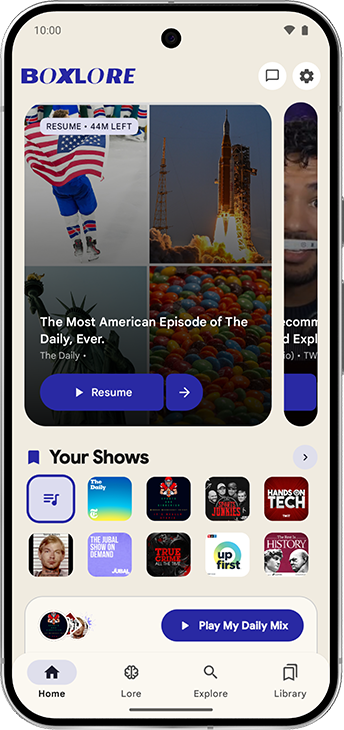
Home & daily mix
Resume an episode, find your shows, or start a personal mix.
02
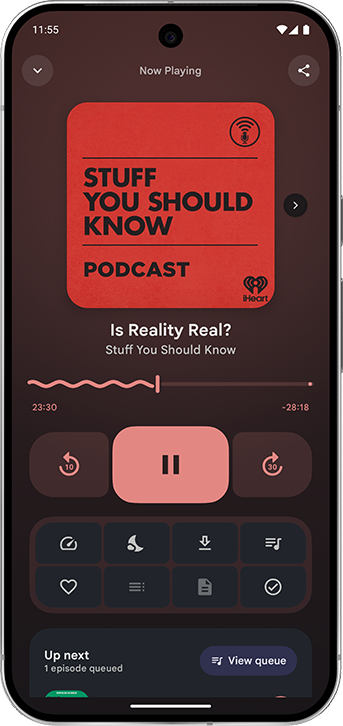
Dynamic player
Artwork colors, chapters, playback speed, and queue controls.
03
Semantic search
Find episodes from a question or an idea.
04
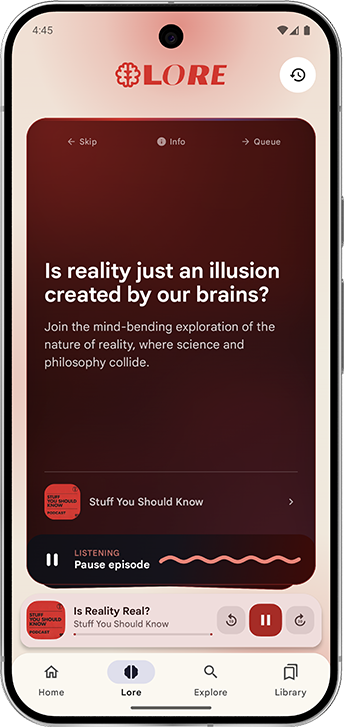
Curiosity cards
Follow a question into the podcast behind it.
05
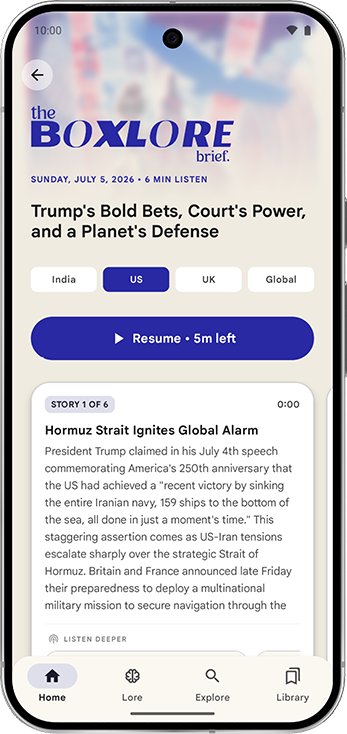
Daily briefing
Regional news, audio, chapters, and a full script.
06
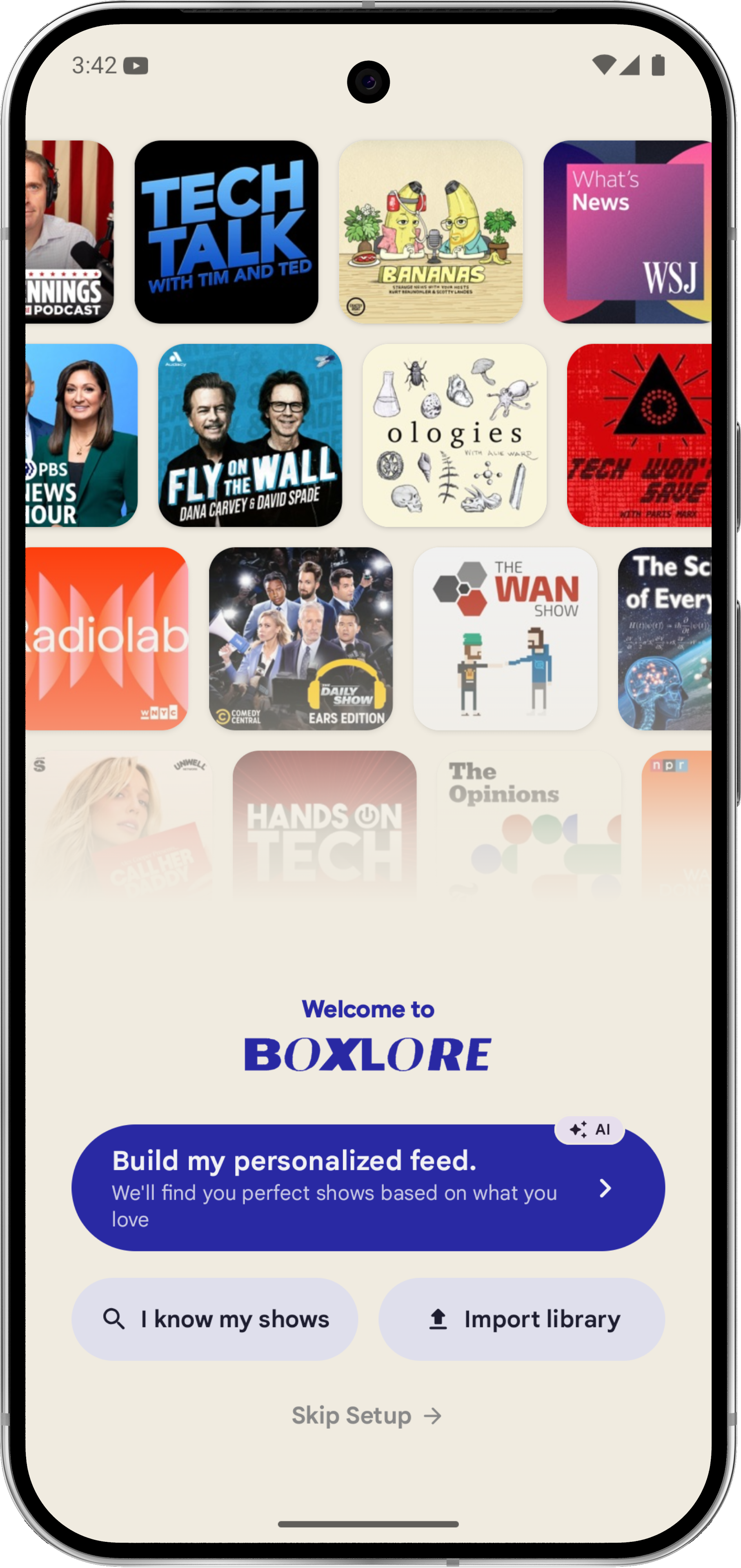
First launch
Start with a chat, import, or the shows you already know.
07
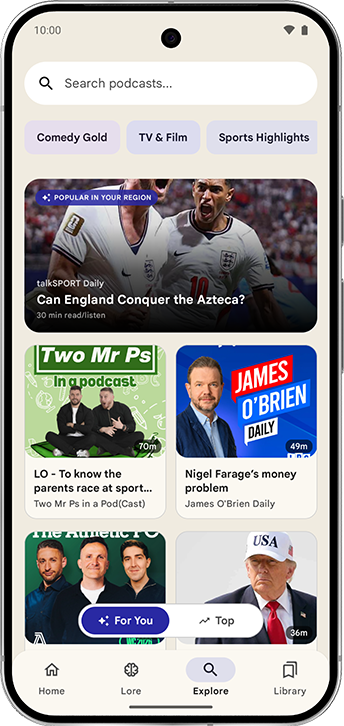
For You
Personal picks and new shows to explore.
08
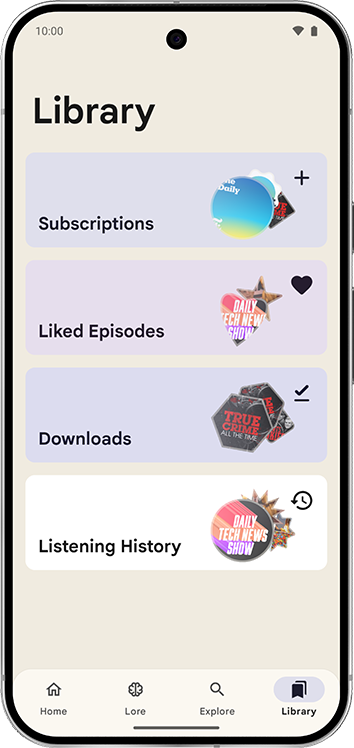
Your library
Subscriptions and downloads, organized in one place.
Swipe or use the arrows to explore all eight screens.
First launch
Start where you are.
A first podcast app or a fresh start with an old library. Choose the setup that fits you.
01
New to podcasts?
Have a short AI-guided chat about your interests, then choose from suggested shows.
02
Switching apps?
Import an OPML file from your current app. Bring your subscriptions and get suggestions related to them.
03
Know your shows?
Choose “I know my shows” to search and subscribe during setup, or skip setup and explore yourself.